
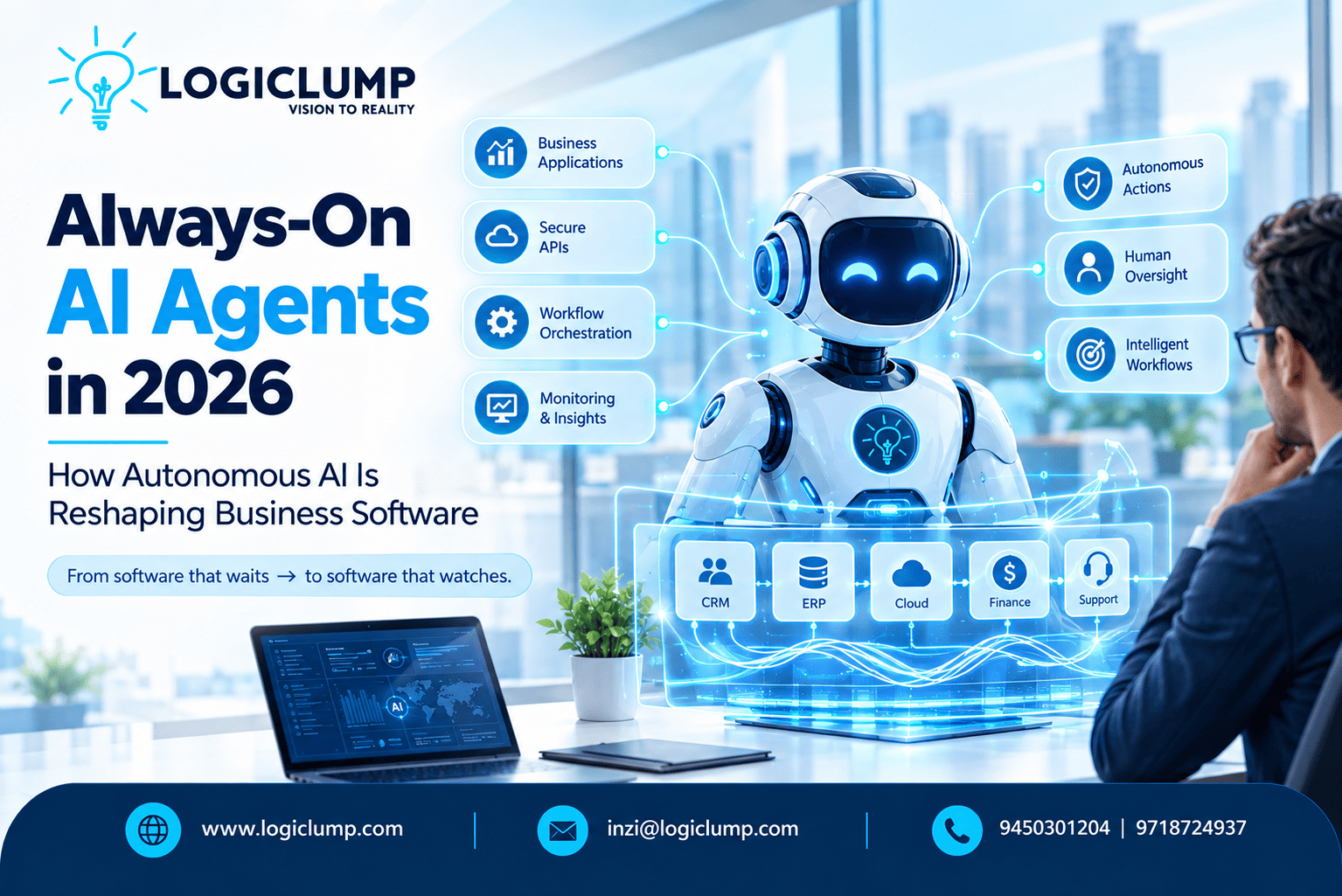
Always-On AI Agents in 2026
Business software has traditionally depended on people to make things happen.
An employee receives a request, opens the appropriate application, checks information, makes a decision, enters data, and moves the process forward.
Even when automation is involved, many systems still operate around predefined triggers and fixed workflows.
AI is beginning to change that model.
The emergence of autonomous AI agents is creating software that can observe business information, understand objectives, use connected tools, and carry out selected tasks with limited human intervention.
The next evolution is the rise of always-on AI agents—systems designed to remain active within a defined environment instead of waiting for a person to start every interaction.
This does not mean businesses will simply hand complete control to AI.
The more practical direction is controlled autonomy: AI continuously handles appropriate tasks while people retain authority over important decisions.
For business software, that could represent a significant shift.
What Makes an AI Agent “Always-On”?
A conventional AI assistant usually responds when a user interacts with it.
For example:
Employee:
“Summarize today's customer complaints.”
The AI processes the request and provides an answer.
An always-on agent works differently.
It may continuously monitor a defined workflow and respond when something relevant happens.
For example:
New customer complaint → Agent detects issue → Reviews customer history → Checks order information → Classifies urgency → Creates workflow → Alerts employee
The employee does not necessarily have to initiate every step.
The agent remains available to perform its assigned responsibilities within predetermined boundaries.
This makes an always-on agent closer to a digital worker for a specific business function than a conventional chatbot.
From Software Tools to Software Workers
Business applications have traditionally been tools.
CRM software stores customer information.
Accounting software manages financial records.
Project-management software tracks tasks.
Support platforms manage customer requests.
Analytics systems display business information.
AI agents introduce another possibility.
Instead of simply storing information, software can increasingly help interpret information and initiate appropriate work.
Consider a sales application.
A conventional system might display:
250 leads waiting for review.
An agent-enabled system could identify:
18 leads have recently shown high engagement. Seven require immediate follow-up. Three appear to have significant purchase potential.
The second approach moves software closer to the workflow itself.
The application isn't merely displaying information.
It is helping determine what deserves attention next.
Why Businesses Are Exploring Always-On AI
Modern companies generate information continuously.
Every day there may be:
- New customer inquiries
- Sales leads
- Orders
- Payments
- Support requests
- Inventory changes
- Security alerts
- Marketing events
- Employee requests
- Operational exceptions
Humans cannot manually examine every event with equal attention.
This is where continuously operating AI systems can become useful.
An agent can monitor a particular stream of information and identify events that match predefined objectives.
Instead of asking employees to constantly watch dashboards, businesses can allow AI to monitor routine activity and bring important events to human attention.
The New AI Workflow
Traditional automation generally follows a predictable pattern:
Trigger → Rule → Action
Agentic systems can introduce a more flexible sequence:
Goal → Observe → Analyze → Plan → Use Tools → Act → Verify
For example, an operations agent may receive the objective:
“Monitor delayed customer orders.”
It could then:
- Monitor order data.
- Detect delayed shipments.
- Check inventory information.
- Review customer details.
- Determine the appropriate workflow.
- Prepare a notification.
- Update an internal record.
- Escalate unusual cases.
The exact capabilities depend on the system's design and permissions.
The important change is that the software can determine the next step within a controlled set of possibilities.
Always-On AI in Customer Support
Customer support is one of the clearest areas for continuous AI assistance.
A support agent can monitor incoming conversations and determine which requests can be handled automatically.
For routine cases, it might:
- Identify the customer's issue
- Search approved documentation
- Retrieve order information
- Check account status
- Prepare an answer
- Update the ticket
- Mark the issue for follow-up
More complicated cases can be escalated to a human representative.
For example:
Routine:
“Where is my order?”
→ AI checks the approved order system and provides the status.
Complex:
“My payment was charged twice and my account has been locked.”
→ AI gathers the relevant information and routes the issue to an appropriate employee.
This creates a hybrid support model in which AI handles repetitive work while human agents focus on cases requiring judgment.
Sales Teams Can Use AI as a Continuous Assistant
Sales activity produces large amounts of information.
An always-on sales agent could monitor:
- New leads
- Customer engagement
- Follow-up schedules
- Deal stages
- Sales activity
- Customer conversations
- Account changes
Suppose a prospect downloads several product documents, responds to an email, and visits a pricing page.
Instead of expecting a salesperson to notice all these signals individually, an AI system could identify the pattern and create an alert.
It might prepare:
“High-engagement prospect detected. Review account before scheduled follow-up.”
The salesperson remains responsible for the relationship, while AI reduces the amount of monitoring required.
Proactive CRM Software
This could also change the role of CRM platforms.
Traditional CRM systems primarily organize information.
Agent-enabled CRMs can potentially help interpret that information.
For example, an agent could identify:
- Leads that have gone without follow-up
- Customers whose engagement has declined
- Opportunities approaching important deadlines
- Accounts with unusual activity
- Customers potentially suitable for a particular service
The CRM becomes less dependent on employees manually searching for these patterns.
The software can bring relevant information forward when it matters.
Always-On AI in E-Commerce
Online stores operate around the clock.
Customers place orders at different times, inventory changes continuously, and support requests arrive throughout the day.
AI agents can monitor these activities.
An e-commerce agent might detect that:
Product demand is increasing → Inventory is falling → Reorder threshold reached → Operations team notified
Another agent could monitor abandoned carts and identify patterns that deserve attention.
A customer-service agent could continuously handle basic order-status questions.
The objective is not necessarily full automation.
Instead, businesses can automate selected parts of the customer and operational journey.
Financial and Trading Applications Need Extra Controls
AI agents can also support financial software, but financial workflows require careful governance.
Potential applications include:
- Financial reporting
- Reconciliation
- Market monitoring
- Risk analysis
- Fraud detection
- Transaction alerts
- Customer verification
- Portfolio analysis
However, there is an important difference between analysis and execution.
An AI agent might be permitted to identify unusual activity without being allowed to move funds.
It might prepare a transaction without being authorized to execute it.
It might analyze market information without being allowed to place an order.
This creates a useful design principle:
The more consequential the action, the stronger the required authorization.
APIs Make Autonomous Software Possible
AI agents need tools to perform useful work.
Those tools are frequently exposed through APIs.
An enterprise agent might connect to:
- CRM systems
- Payment services
- Databases
- Email platforms
- Support software
- Inventory systems
- Analytics platforms
- Cloud services
- Internal applications
For this reason, businesses preparing for agentic AI should treat their API architecture as an important part of their AI strategy.
Instead of exposing broad system access, APIs can provide narrowly defined capabilities.
For example:
Allowed capability
view_customer
Allowed capability
create_support_ticket
Allowed capability
generate_report
Restricted capability
delete_customer
Restricted capability
change_user_permissions
Highly controlled capability
execute_payment
This makes it possible to give an AI agent useful tools without giving it unrestricted control over the underlying system.
Always-On Does Not Mean Unlimited
The phrase “always-on” can sound like an AI system has unrestricted authority.
That should not be the goal.
A better model is:
Always available, carefully authorized.
An agent may monitor a system continuously but only have permission to perform a small set of actions.
For example, a security-monitoring agent might:
- Read security events
- Identify suspicious patterns
- Generate alerts
- Create investigation tickets
It may require human authorization before:
- Disabling an account
- Changing permissions
- Blocking critical infrastructure
- Modifying production systems
This separation between availability and authority is essential for responsible autonomous software.
AI Agent Identity Is Becoming Important
Traditional software systems already manage identities for employees, services, applications, and devices.
Autonomous agents add another category:
Non-human AI identities.
Each important agent should have a clear security context.
Organizations should be able to determine:
- What is this agent?
- Who owns it?
- What is it designed to do?
- Which systems can it access?
- Which data can it read?
- Which actions can it perform?
- When should its access expire?
This becomes particularly important when multiple agents operate across different business applications.
An organization should not have to investigate an unexplained action without knowing which autonomous system performed it.
Least Privilege for AI Agents
AI systems should receive only the access required for their assigned responsibilities.
Consider a customer-support agent.
It may need access to:
- Customer profiles
- Order status
- Support tickets
- Approved knowledge articles
It probably does not need access to:
- Payroll systems
- Administrative credentials
- Entire financial databases
- Production infrastructure
Restricting permissions reduces the potential impact of mistakes, compromised credentials, malicious instructions, or unexpected behavior.
Prompt Injection and Unsafe Instructions
Autonomous agents can process information from many sources.
That information may include:
- Emails
- Documents
- Websites
- Support tickets
- Database records
- Customer messages
Some content could contain instructions designed to manipulate the agent.
For example, a malicious document might attempt to persuade an AI system to reveal confidential information or use a tool in an unauthorized way.
This creates a security challenge that is different from traditional software vulnerabilities.
The solution should not depend entirely on asking the AI model to “ignore malicious instructions.”
Critical controls should exist outside the model.
The agent's tools, permissions, APIs, and data access should be governed by independent security policies.
Human Approval for High-Impact Actions
Autonomous systems work best when businesses clearly distinguish between actions based on their potential impact.
Low-risk
AI can often act automatically.
Examples:
- Categorizing messages
- Creating internal summaries
- Organizing routine information
- Generating non-sensitive reports
Medium-risk
AI prepares the action and a person reviews it.
Examples:
- Customer communications
- Selected account updates
- Business recommendations
High-risk
AI can assist, but a human remains responsible for approval.
Examples:
- Financial transfers
- Privileged access changes
- Destructive database operations
- Production infrastructure changes
- High-value transactions
This approach provides a practical path toward autonomy without removing accountability.
Multiple AI Agents Can Form a Digital Workforce
Businesses do not necessarily need one giant AI agent.
A better architecture may involve several specialized agents.
For example:
Sales Agent
Monitors leads and sales activity.
Support Agent
Handles routine customer-service workflows.
Finance Agent
Assists with reporting and financial analysis.
Operations Agent
Monitors business processes and exceptions.
Security Agent
Analyzes security events.
Marketing Agent
Reviews campaign performance and prepares insights.
A coordination layer can route tasks between these specialized agents.
For example:
Customer issue detected
↓
Support Agent
↓
Requires account investigation
↓
Customer Data Agent
↓
Requires billing information
↓
Finance Agent
↓
Result returned to Support Agent
This creates a collaborative AI environment rather than relying on one system to perform every function.
Observability Becomes Critical
Traditional application monitoring tells businesses whether a service is running.
Autonomous AI introduces another question:
What is the system doing?
Organizations may need to track:
- Agent activity
- Tool calls
- API requests
- Data access
- Actions taken
- Errors
- Approval requests
- Permission changes
- Agent-to-agent communication
This information can help security and engineering teams investigate unexpected behavior.
For autonomous systems, visibility is not simply a debugging feature.
It is part of governance.
AI Memory Creates Another Data Layer
Some agents need memory.
A sales agent may need previous customer interactions.
A support agent may need conversation history.
An operations agent may need information about previous incidents.
But memory should not become an uncontrolled repository of sensitive information.
Organizations should establish policies around:
- What the agent can remember
- What information can enter memory
- How long it remains available
- Who can access it
- Whether it can be modified
- When it should be removed
AI memory should therefore be treated like any other business data system—with appropriate security and retention controls.
The Cost of Running AI Continuously
Always-on AI also introduces an economic consideration.
A conventional application may run continuously with relatively predictable infrastructure costs.
An AI agent can generate model usage, API calls, storage, and compute consumption every time it analyzes information or performs a task.
Businesses should therefore measure:
AI operating cost vs business value
For example:
- How many hours of employee work are saved?
- How many cases can be automated?
- How often does the agent require human intervention?
- How frequently does it make errors?
- What is the cost per completed workflow?
- Does continuous monitoring produce measurable value?
Autonomy should be evaluated not only by technical capability but also by business outcomes.
Agent-Ready Software Architecture
Businesses that want to adopt autonomous AI need more than an AI model.
A typical architecture may include:
AI Model
↓
Agent Runtime
↓
Policy & Authorization Layer
↓
Tool / API Gateway
↓
Business Applications
↓
Databases & Data Services
↓
Monitoring & Audit
This architecture separates intelligence from control.
The AI can determine what it wants to accomplish.
The security and policy layers determine what it is actually allowed to do.
How Businesses Can Start
Organizations do not need to make every business process autonomous.
A gradual approach can reduce risk.
1. Identify Repetitive Processes
Look for workflows that consume significant employee time.
2. Select Low-Risk Tasks
Begin with processes where incorrect actions have limited consequences.
3. Connect the Required Data
Make sure the agent can access reliable and relevant information.
4. Build Secure APIs
Give the agent controlled tools rather than unrestricted system access.
5. Start With Recommendations
Allow the agent to analyze and prepare actions before enabling automatic execution.
6. Add Monitoring
Track performance, errors, costs, security events, and human interventions.
7. Increase Autonomy Gradually
Expand permissions only after the agent demonstrates reliable performance.
This approach allows organizations to learn from real usage before moving toward more autonomous workflows.
What Should Remain Under Human Control?
Not every business decision should be delegated to an AI agent.
Human involvement may remain particularly important when a process involves:
- Significant financial consequences
- Legal responsibility
- Irreversible changes
- Sensitive personal information
- Privileged access
- Safety-critical operations
- Major infrastructure decisions
AI can still support these processes by collecting information, analyzing options, preparing documents, or recommending actions.
But assistance and authority do not have to be the same thing.
How Autonomous AI Could Change SaaS
The traditional SaaS model is built around applications that people operate.
The emerging model may involve AI agents interacting with several applications on behalf of employees.
Imagine an employee says:
“Prepare this week's sales review.”
An agent could potentially:
CRM → Analytics → Customer Data → Report → Email → Task Management
The employee receives a completed report and a list of important follow-up actions instead of manually navigating five different applications.
This could change the competitive requirements for SaaS companies.
Strong APIs, interoperability, permissions, automation, and machine-readable capabilities may become increasingly important.
The Developer's Role Is Changing
Building agentic software requires more than connecting an AI model to an application.
Developers may increasingly work on:
- Agent APIs
- Tool definitions
- Authorization systems
- Workflow orchestration
- Agent memory
- Evaluation systems
- Audit trails
- AI observability
- Security boundaries
- Human-approval mechanisms
Software development therefore moves toward designing environments where AI can safely operate.
The question becomes not only:
“What can the AI generate?”
but also:
“What can the AI safely do?”
The Future of Always-On AI
The technology is still evolving.
AI agents are becoming more capable, but businesses will continue to face challenges involving reliability, security, cost, integration, data quality, governance, and accountability.
The likely direction is not unrestricted machine autonomy.
Instead, businesses may build increasingly specialized AI systems that continuously handle clearly defined responsibilities.
An agent might monitor sales.
Another might manage routine support.
Another might watch infrastructure.
Another might analyze financial information.
Humans can remain responsible for strategic decisions, exceptions, approvals, and accountability.
This creates a model where AI performs continuous operational work while people maintain meaningful control.
How LogiClump Can Help
The move toward always-on AI creates opportunities for businesses to redesign how their software works.
LogiClump can help develop solutions involving:
- AI-powered business applications
- Autonomous AI agent integrations
- Custom software
- AI workflow automation
- Secure API development
- CRM solutions
- SaaS platforms
- Web and mobile applications
- FinTech systems
- Trading software
- AI dashboards
- Cloud-ready applications
- Third-party integrations
The focus should be on solving a specific business problem rather than adding AI for the sake of adding AI.
A successful agent should have a clear purpose, measurable responsibilities, controlled access, and defined boundaries.
Conclusion
Always-on AI agents are changing the idea of what business software can be.
Traditional applications wait for employees to open them, search for information, and perform actions.
Autonomous agents can potentially monitor business activity continuously, identify important events, use connected tools, and execute selected tasks.
That creates an opportunity to build software that is more proactive, responsive, and automation-driven.
But greater autonomy requires stronger foundations.
Businesses need reliable data, secure APIs, clear identities, least-privilege permissions, monitoring, audit trails, and appropriate human oversight.
The future is therefore unlikely to be about giving AI unlimited control.
It is about giving AI the right capabilities, within the right boundaries, for the right business purpose.
The shift can be summarized as:
From software that waits → to software that watches.
From software that responds → to software that acts.
From isolated applications → to connected intelligent workflows.
For businesses, the opportunity is not simply to deploy more AI.
It is to build software where AI can continuously perform meaningful work while people remain firmly in control of important decisions.
Contact Us:
🌐 Website: www.logiClump.com
📧 Email: inzi@logiclump.com
📞 Contact: 9450301204 | 9718724937
Learn how always-on AI agents are transforming business software through continuous monitoring, automation, APIs, intelligent workflows, and controlled autonomy.
Tom Cruise