
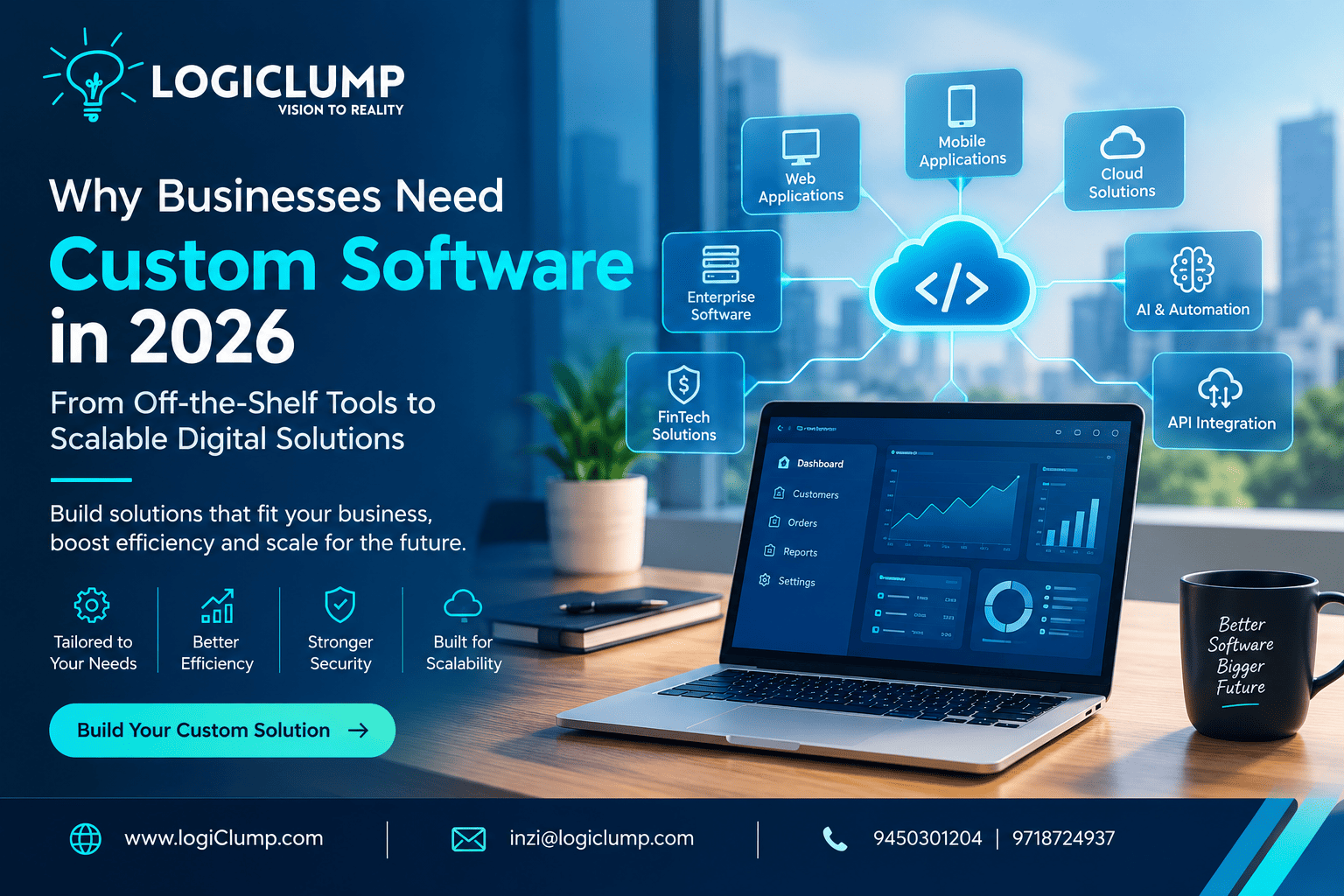
Why businsses need custom software in 2026
Businesses today rely on digital systems to manage customers, coordinate teams, process transactions, and make critical decisions. As organizations expand, however, the software that once supported daily operations may begin to create new challenges.
Teams may struggle with disconnected applications, repetitive administrative work, limited reporting capabilities, or tools that cannot accommodate changing business requirements. These problems can affect productivity, customer satisfaction, and the ability to scale efficiently.
In 2026, custom enterprise software development offers businesses a way to address these challenges by building digital solutions around their specific operational needs.
Rather than forcing every department to adapt to the limitations of existing tools, organizations can develop integrated systems that support their workflows, connect important data, and evolve alongside their business goals.
This guide explains when custom enterprise software makes sense, which capabilities matter most, how to evaluate development partners, and how LogiClump can help businesses turn technology requirements into practical digital solutions.
What Is Custom Enterprise Software Development?
Custom enterprise software development is the process of creating applications tailored to an organization's processes, users, and technical requirements.
These solutions may serve a single department or connect operations across an entire business. Depending on the organization's needs, they can include:
- Enterprise resource planning systems
- Customer relationship management platforms
- Inventory and supply chain applications
- Employee and project management systems
- Business intelligence dashboards
- Custom web and mobile applications
- Financial and trading platforms
- AI-powered business applications
- Industry-specific SaaS products
For example, a distribution company might need one platform to coordinate orders, warehouse stock, delivery schedules, and customer notifications. A standard product may handle some of these tasks, but a tailored application could connect them according to the company's actual processes.
The purpose is not to customize everything unnecessarily. It is to build software where a clear business need justifies a tailored solution.
Why Growing Businesses Outgrow Standard Software
Off-the-shelf software remains a practical choice for many common business activities. Accounting, email, document management, and other standard functions often do not require a custom-built system.
Problems can arise when a company's workflows become more specialized or its existing tools fail to work together.
1. Business Processes Become More Complex
A small company may initially manage operations using spreadsheets and a few standalone applications. As the organization grows, the number of employees, customers, transactions, and approval steps can increase significantly.
Manual processes that once worked may become slow and difficult to manage.
Custom enterprise applications can organize these workflows, assign responsibilities, automate suitable steps, and give managers better visibility into ongoing operations.
2. Applications Do Not Share Information Effectively
Businesses frequently use separate systems for sales, inventory, finance, customer support, and reporting.
If these applications cannot exchange information reliably, employees may need to duplicate entries or reconcile conflicting records.
A tailored integration layer or centralized business platform can connect relevant systems through APIs and structured data exchange.
This helps create more consistent information across departments without necessarily replacing every existing application.
3. Existing Tools Cannot Support Specialized Requirements
Some industries have workflows that general-purpose software does not fully accommodate.
A financial technology company, for example, may require specialized transaction monitoring, user permissions, reporting, and integration with external services.
A logistics company may need route planning, shipment tracking, and exception management connected to its own operational rules.
Custom software allows these requirements to shape the application's functionality rather than relying entirely on predefined features.
4. Technology Costs Become Difficult to Manage
Multiple software subscriptions, premium add-ons, integration services, and manual workarounds can increase the overall cost of operating a business.
Custom development also requires substantial investment, maintenance, and technical ownership. It should not automatically be considered cheaper.
The better approach is to compare the total cost of each option, including implementation, licenses, integrations, infrastructure, support, training, and future enhancements.
Custom Software vs. Ready-Made Software: Which Is Better?
The right choice depends on how closely an existing product matches the business requirements.
| Consideration | Ready-Made Software | Custom Software |
|---|---|---|
| Initial setup | Often quicker | Requires discovery and development |
| Standard features | Usually available immediately | Must be implemented |
| Specialized workflows | Limited by product capabilities | Can be designed around specific requirements |
| Initial cost | Often lower | Usually higher |
| Integrations | Depend on supported connectors and APIs | Can be tailored to the technical environment |
| Product control | Depends on the vendor | Greater control over development priorities |
| Maintenance | Shared with or managed by the vendor | Requires an agreed support and maintenance plan |
| Best fit | Common, established business processes | Differentiating or complex business requirements |
Many organizations benefit from a hybrid strategy: use established products for standard functions and build custom applications for the processes that make the business unique.
This avoids unnecessary development while preserving flexibility where it matters.
Five Business Benefits of Custom Enterprise Applications
The value of enterprise software should be measured by how well it improves business operations—not by how many features it contains.
1. More Efficient Workflows
Custom applications can replace repetitive manual activities with structured digital processes.
For instance, an approval workflow could automatically route a request to the appropriate manager, notify relevant employees, and record the decision.
Reducing unnecessary handoffs can help teams spend more time on meaningful work.
2. Better Access to Business Information
When data is spread across disconnected systems, decision-makers may have difficulty obtaining an accurate overview of performance.
Integrated applications can bring relevant information together in dashboards and reports, helping teams monitor orders, sales, service requests, inventory, or project progress.
The quality of these insights still depends on data accuracy, appropriate integrations, and effective reporting design.
3. Improved Customer Experiences
Customers often expect businesses to provide convenient digital services and timely updates.
Custom portals and applications can support features such as account management, order tracking, self-service requests, personalized dashboards, and automated notifications.
By designing the experience around customer needs, businesses can reduce friction throughout the customer journey.
4. Greater Flexibility as the Business Evolves
Business requirements change with new products, additional customers, and evolving market conditions.
A well-structured custom application can be extended as new needs emerge, provided the architecture, documentation, and maintenance processes support those changes.
This gives businesses greater influence over their technology roadmap.
5. Opportunities to Create New Digital Products
Custom software can also become a product in its own right.
Organizations may develop subscription-based platforms, specialized marketplaces, customer-facing applications, or industry-specific digital services.
For companies pursuing digital business models, the software can become part of the value they offer to customers.
How AI Is Expanding Enterprise Software Capabilities
Artificial intelligence is creating new ways to interact with business applications and process information.
However, adding AI to enterprise software should begin with a defined business objective, not simply a desire to use the latest technology.
Potential applications include:
Intelligent document processing: Extracting structured information from invoices, forms, and business documents.
Conversational business search: Allowing authorized employees to ask questions about internal information using natural language.
Customer service assistance: Summarizing conversations, suggesting responses, and helping support teams locate relevant information.
Predictive analysis: Examining historical data to identify patterns in demand, sales, or operational performance.
Workflow support: Classifying requests, routing tasks, and assisting with repetitive processes.
Decision support: Bringing relevant information together so employees can evaluate options more efficiently.
Consider a company that manages large volumes of customer requests. An AI-enabled application could classify incoming messages, identify urgent cases, and route them to the appropriate team.
Human review may still be necessary, particularly when decisions affect finances, compliance, security, or customer rights.
The most effective enterprise AI solutions combine useful automation with reliable data, defined permissions, testing, and human oversight.
Why System Integration Is Essential
Building a new application without considering the existing technology environment can create another disconnected system.
Before development begins, businesses should identify the applications, databases, and external services that the new solution needs to communicate with.
Important considerations include:
- API availability and integration requirements
- Data consistency between systems
- Authentication and access permissions
- Error handling and retry mechanisms
- Reporting and analytics requirements
- Legacy system compatibility
- Monitoring and operational support
For example, a custom order management application may need to exchange information with an existing accounting system, warehouse platform, and customer portal.
A clear integration strategy helps ensure that the new application fits into the wider business environment.
Security and Scalability: Foundations of Enterprise Software
Enterprise software may process confidential documents, customer records, financial information, and business-critical transactions. Security must therefore be considered from the earliest design stages.
Essential Security Measures
Depending on the application's purpose and risk profile, a secure development strategy may include:
- Role-based access control
- Multi-factor authentication
- Encryption for data in transit and at rest
- Secure API implementation
- Audit trails and monitoring
- Vulnerability testing and dependency management
- Backup and recovery procedures
- Appropriate privacy and regulatory controls
Security also requires ongoing maintenance. New vulnerabilities, changing business requirements, and evolving threats can make regular updates essential.
Designing for Growth
As an application attracts more users or handles larger volumes of information, its technical requirements may change.
Scalability planning can involve database optimization, caching, cloud infrastructure, background processing, performance monitoring, and capacity management.
Not every business needs a highly distributed architecture from the beginning. A modular application with a sound database design may be sufficient for an initial release.
The architecture should match current requirements while providing a sensible path for future expansion.
How to Select an Enterprise Software Development Company
Choosing a development partner requires more than comparing prices or programming languages. The company should understand the business problem, recommend an appropriate technical approach, and communicate clearly throughout the project.
Consider these factors before making a decision.
Business Analysis and Requirements
The development team should understand your existing processes, user roles, operational challenges, and desired outcomes before recommending a solution.
Technical Capabilities
Depending on the project, relevant expertise may include frontend and backend development, databases, cloud services, API integration, AI, cybersecurity, and mobile application development.
A Defined Development Process
Look for a process that covers requirements, planning, UI/UX design, implementation, testing, deployment, and ongoing support.
Quality Assurance
Testing should evaluate functionality, usability, performance, security, and compatibility with connected systems.
Communication and Project Transparency
Deliverables, costs, milestones, responsibilities, and scope changes should be documented clearly.
Long-Term Maintenance
Ask how the application will be maintained after launch, who owns the source code, how updates are handled, and what support arrangements are available.
A strong development partnership should help you make informed decisions throughout the project, rather than simply delivering a technical product.
A Practical Roadmap for Building Custom Enterprise Software
A phased approach helps businesses manage costs, validate assumptions, and reduce development risks.
Step 1: Define the Business Objective
Identify the problem, the people affected, and the measurable improvement you want to achieve.
Step 2: Document Requirements
Map workflows, user roles, integrations, data requirements, security controls, and essential features.
Step 3: Prioritize the First Release
Focus on a minimum viable product (MVP) that solves the most important problem. Additional features can follow once the initial solution has been validated.
Step 4: Design and Validate the Experience
Create wireframes or prototypes to test navigation and workflows before investing in full implementation.
Step 5: Develop and Integrate
Build the application using an appropriate technology stack and connect the required business systems.
Step 6: Test Before Deployment
Validate core functionality, performance, security, integration behavior, and user experience.
Step 7: Launch With Monitoring and Support
Prepare the production environment, backups, monitoring, documentation, and maintenance procedures.
Step 8: Improve Using Real Results
Gather user feedback and measure performance to determine which improvements should come next.
This approach makes it easier to learn from the initial release before committing to a larger development program.
How to Measure the Business Value of Custom Software
A successful project should deliver measurable improvements rather than simply completing a feature list.
Businesses can track indicators such as:
- Time required to complete important tasks
- Amount of repetitive data entry
- Frequency of manual errors
- Customer response and resolution times
- Application availability and performance
- Employee adoption rates
- Cost of operating and integrating systems
- Revenue or conversion changes where relevant
For example, if a new workflow reduces the time employees spend processing requests, the business can estimate the resulting productivity benefit and compare it with the total cost of implementation and ongoing operation.
A realistic return-on-investment calculation should include development, infrastructure, support, training, and future enhancements.
Why Businesses Are Investing in Enterprise Software Development in 2026
Modern organizations increasingly depend on connected digital systems to manage operations, support customers, and respond to changing business demands.
As these needs evolve, technology decisions can influence how efficiently a business operates and how quickly it can introduce new services.
Custom enterprise software is particularly useful when standard applications cannot adequately support specialized processes, important integrations, or differentiated digital products.
The strongest solutions are not necessarily the largest or most complicated. They are the ones that address clearly defined problems, fit into the existing technology environment, protect business data, and remain maintainable over time.
Enterprise software should grow with the business—not become another obstacle to growth.
LogiClump: Your Enterprise Software Development Partner
Building dependable enterprise software requires a combination of business understanding, technical planning, thoughtful design, and disciplined implementation.
LogiClump helps businesses transform operational requirements and technology ideas into customized digital solutions.
Its service areas include enterprise web applications, mobile development, custom software, AI-powered applications, FinTech and trading solutions, SaaS platforms, cloud engineering, and business system integrations.
Whether your organization needs to modernize an existing application, streamline internal operations, connect disconnected platforms, or launch a new digital product, LogiClump can help you explore a solution aligned with your business objectives.
The focus is on building practical, secure, and scalable software that supports real operational needs.
Ready to Build Your Enterprise Software Solution?
Discuss your requirements with LogiClump and explore how a tailored digital solution can help your business operate more efficiently and prepare for future growth.
LogiClump — Vision to Reality
🌐 Website: www.logiclump.com
📧 Email: inzi@logiclump.com
📞 Contact: 9450301204 | 9718724937
Explore custom enterprise software solutions for business automation, system integration, AI, and scalable growth with LogiClump.
Tom Cruise