
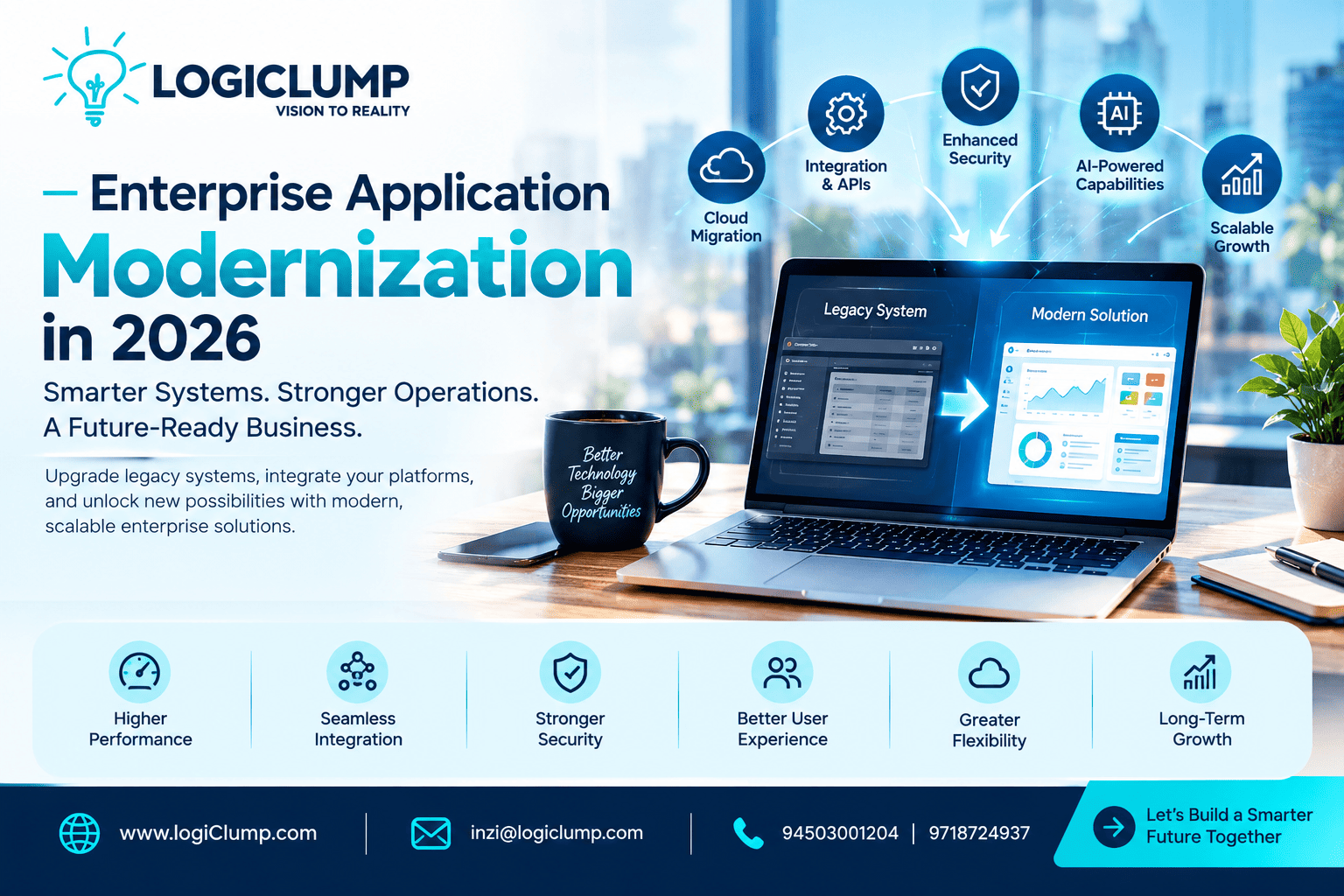
Enterprise application modernization in 2026
As businesses grow, their technology must keep pace with changing customer expectations, expanding operations, and increasingly connected digital services. Yet many organizations continue to depend on applications that were designed for a different stage of their growth.
These systems may still handle essential tasks, but they can become difficult to maintain, integrate, or adapt. Employees may spend valuable time switching between platforms, IT teams may struggle with outdated components, and new business initiatives may require more effort than expected.
Enterprise application modernization offers a way to address these challenges without automatically replacing every existing system. By improving application architecture, connecting business data, updating infrastructure, and introducing carefully selected technologies, companies can create a more flexible digital environment.
For enterprises planning their next stage of growth in 2026, modernization is an opportunity to align technology investments with measurable business outcomes.
What Is Enterprise Application Modernization?
Enterprise application modernization involves updating existing business applications so they can better support current operational needs and future development.
The work may involve changing an application's architecture, replacing unsupported components, improving its interface, connecting it with other systems, or moving selected workloads to a more suitable infrastructure.
A modernization project might include:
- Updating older business applications
- Connecting separate software platforms
- Improving database performance
- Rebuilding outdated web interfaces
- Introducing secure APIs
- Moving suitable workloads to cloud infrastructure
- Automating repetitive business processes
- Adding AI capabilities to established applications
- Improving monitoring, backup, and recovery
Consider a company that manages customer information in one system and processes orders in another. Employees may need to copy information between the two platforms, creating delays and inconsistencies.
Instead of replacing both systems immediately, the company could introduce a secure integration layer that synchronizes the required information. This targeted improvement could address the operational problem while allowing the organization to plan broader changes over time.
Five Warning Signs That Your Enterprise Applications Need Modernization
Not every older application needs to be replaced. The important question is whether it continues to meet the organization's requirements at an acceptable cost and risk.
1. Simple Changes Take Too Long
When a minor feature requires extensive development work, the application may have architectural limitations, insufficient documentation, or dependencies that are difficult to manage.
Modernization can simplify the codebase, improve development practices, and make future enhancements more predictable.
2. Employees Depend on Manual Workarounds
Spreadsheets, repeated data entry, email-based approvals, and manual report preparation can indicate that existing applications are not supporting business workflows effectively.
A well-designed digital workflow can connect relevant steps, assign responsibilities, and reduce unnecessary administrative work.
3. Business Data Is Difficult to Access
If management needs information from several departments but cannot obtain a consistent view, disconnected applications or incompatible data structures may be contributing to the problem.
Better integration and reporting can help authorized teams access more reliable information for decision-making.
4. Security Updates Are Becoming Difficult
Applications that rely on unsupported frameworks or outdated dependencies may present growing maintenance and security concerns.
A technical assessment can identify components that require upgrades, replacement, isolation, or additional controls.
5. The System Cannot Accommodate New Requirements
A business may want to introduce a customer portal, mobile application, new payment method, or AI-enabled service but discover that its existing system cannot support the change efficiently.
Modernization can create the technical foundation needed to introduce these capabilities in manageable stages.
Choosing the Right Modernization Strategy
A successful modernization plan begins by understanding what should change—and what should remain.
Different applications require different approaches.
| Approach | What Changes | Typical Business Objective |
|---|---|---|
| Rehosting | The application moves to another hosting environment | Change infrastructure with limited application modifications |
| Replatforming | The application moves to a different platform with selected adjustments | Improve deployment or operational capabilities |
| Refactoring | Existing code or architecture is improved | Make the system easier to maintain or extend |
| Rebuilding | A new application is developed | Address fundamental limitations in the current solution |
| Replacement | An existing product is replaced by another suitable solution | Adopt capabilities that are already available elsewhere |
| Integration | Existing applications are connected | Improve data exchange without replacing every system |
These strategies are not mutually exclusive. An organization may refactor one application, integrate another, and replace a third with a standard product.
The right decision depends on business criticality, technical condition, security exposure, implementation cost, and expected future value.
Connecting Enterprise Applications for Better Operations
Modern businesses rarely operate through a single software platform. Sales, finance, logistics, customer service, and management may all depend on different applications.
When these systems cannot exchange information effectively, employees become the link between them.
Enterprise integration helps reduce this dependency by allowing applications to share information through APIs, event-driven communication, or other appropriate integration methods.
Example: An Integrated Order Management Process
Imagine a business that receives orders through its website but manages inventory and deliveries separately.
A connected workflow could:
- Record a customer's order.
- Check product availability.
- Send the necessary information to the fulfillment team.
- Update the order status.
- Notify the customer when relevant milestones occur.
- Transfer appropriate information to the accounting system.
The exact implementation depends on the applications involved, but the principle is straightforward: information should move between systems reliably, with suitable validation and error handling.
For enterprise software development companies, integration is an important part of building solutions that fit into a wider business environment rather than creating additional technology silos.
Cloud Modernization Requires Business Planning
Cloud infrastructure can offer flexible resource allocation, managed services, and improved deployment options. However, moving an application to the cloud does not automatically improve its performance, security, or cost efficiency.
Before selecting a migration strategy, businesses should assess:
- Application dependencies and compatibility
- Data transfer requirements
- Availability and recovery expectations
- Access controls and security obligations
- Expected workload and performance
- Infrastructure and licensing expenses
- Data residency and regulatory requirements
- Monitoring and maintenance responsibilities
Some workloads may benefit from cloud migration, while others may be better suited to hybrid infrastructure or their current environment.
A thoughtful cloud strategy considers how the application will be deployed, secured, monitored, maintained, and funded after migration.
How AI Can Improve Modern Enterprise Applications
AI can introduce new capabilities into existing business software without requiring every application to be redesigned from scratch.
The most useful starting point is a specific operational challenge.
Intelligent Information Retrieval
Employees could search approved internal documents using natural-language questions instead of manually opening numerous files.
Automated Document Processing
AI-enabled workflows may extract relevant fields from invoices, forms, and other business documents, with validation for important information.
Customer Service Support
Applications can help support teams summarize conversations, locate relevant information, and prepare responses for review.
Operational Insights
Analytics tools can help identify trends in sales, demand, inventory, and service performance when the underlying data is sufficiently reliable.
Workflow Assistance
AI can help categorize incoming requests, prioritize selected tasks, and recommend the next step in a defined process.
For example, an enterprise with a large service team could use AI to classify incoming requests and route them to the appropriate department. Staff could then focus their attention on cases that need investigation or human judgment.
AI features should be evaluated for accuracy, privacy, access control, cost, and business value. High-impact decisions require appropriate oversight and safeguards.
Security Must Be Part of the Modernization Plan
Changing an enterprise application can introduce risks if security is treated as a final checklist rather than a design requirement.
Modernization projects should evaluate how data is accessed, transferred, stored, monitored, and recovered.
Depending on the system, important measures may include:
- Role-based permissions
- Multi-factor authentication
- Encryption in transit and at rest
- Secure API authentication
- Audit logging
- Dependency and vulnerability reviews
- Backup validation
- Disaster recovery planning
- Privacy and compliance controls
Organizations should also consider how new integrations affect existing permissions. A newly connected application should not automatically gain access to every record or operation in another system.
Security requirements need to reflect the sensitivity of the data, the application's purpose, and the consequences of unauthorized access.
A Step-by-Step Plan for Enterprise Modernization
Large technology changes can become expensive when organizations attempt to address every issue at the same time. A phased plan allows teams to prioritize improvements and evaluate results before expanding the project.
Step 1: Build an Application Inventory
Document the systems in use, their business owners, technical dependencies, support status, and operational importance.
Step 2: Identify the Most Costly Problems
Look for measurable issues such as recurring downtime, slow processing, duplicate data entry, difficult integrations, or rising maintenance requirements.
Step 3: Set Clear Outcomes
Define what success means for the project. Examples include reducing processing time, improving availability, simplifying reporting, or supporting a new digital service.
Step 4: Select a Focused First Project
Choose an application or workflow where improvement is valuable and the scope can be managed effectively.
Step 5: Design the Technical Approach
Determine whether the solution requires integration, refactoring, migration, replacement, or a combination of methods.
Step 6: Validate the Solution
Test functionality, data accuracy, security, performance, and integration behavior before releasing changes to production.
Step 7: Deploy With a Recovery Plan
Prepare backups, rollback procedures, monitoring, documentation, and support arrangements to reduce operational disruption.
Step 8: Review Results and Expand
Compare post-launch performance with the original baseline. Use the findings to prioritize the next phase of modernization.
How to Measure Modernization Results
Enterprise modernization should produce improvements that matter to the organization.
Businesses can evaluate progress using metrics such as:
- Average application response time
- System availability and downtime
- Frequency of production errors
- Time required to introduce software changes
- Manual hours spent on repetitive tasks
- Data synchronization failures
- Infrastructure and maintenance expenses
- Employee adoption
- Customer satisfaction
For example, if integrating two business systems reduces the time needed to process an order, the organization can measure the change against its previous workflow.
Financial evaluation should include the costs of development, migration, infrastructure, training, support, and future maintenance. This provides a more realistic view of the project's value than considering implementation costs alone.
How to Select an Enterprise Software Development Company
Modernization often involves decisions that affect multiple departments and critical business processes. A development partner should therefore understand both the technical environment and the organization's business objectives.
When evaluating an enterprise software development company, consider the following.
Business analysis: Can the team understand existing workflows and identify the underlying problem before proposing a solution?
Technical expertise: Does it have capabilities relevant to your project, such as backend development, databases, API integration, cloud engineering, AI, and application security?
Architecture and integration: Can it explain how the proposed solution will work with existing applications?
Project transparency: Are the scope, milestones, deliverables, costs, and responsibilities clearly defined?
Quality assurance: Does the process include functional, integration, performance, and security testing?
Ongoing support: Are maintenance, documentation, updates, and ownership responsibilities established?
A suitable partner should help the business make informed decisions rather than recommend the most complex technology by default.
LogiClump: Enterprise Software Development for Evolving Businesses
Enterprise technology should support the way a business operates today while providing a practical foundation for tomorrow's requirements.
LogiClump is an enterprise software development company focused on building digital solutions around business needs. Its service areas include custom software, enterprise web applications, mobile development, AI-powered solutions, FinTech and trading platforms, SaaS products, cloud engineering, and system integration.
Businesses exploring modernization can work with LogiClump on initiatives such as:
- Developing or upgrading enterprise applications
- Connecting disconnected business platforms
- Building customer and employee portals
- Integrating APIs and third-party services
- Improving digital workflows through automation
- Adding appropriate AI capabilities to existing systems
- Developing scalable web and mobile products
A successful project begins with understanding the current environment, identifying the most important challenge, and choosing a solution that is technically appropriate and commercially practical.
Whether your business needs to improve an existing platform or develop a new digital system, LogiClump can help you explore the right development approach.
Modernize Your Enterprise Technology With LogiClump
Ready to improve application performance, connect business systems, or create a stronger digital foundation for your organization?
Contact LogiClump to discuss your business requirements and potential next steps.
LogiClump — Vision to Reality
🌐 Website: www.logiclump.com
📧 Email: inzi@logiclump.com
📞 Contact: 9450301204 | 9718724937
Explore enterprise application modernization strategies for legacy systems, cloud migration, AI integration, security, and connected business operations.
Tom Cruise