
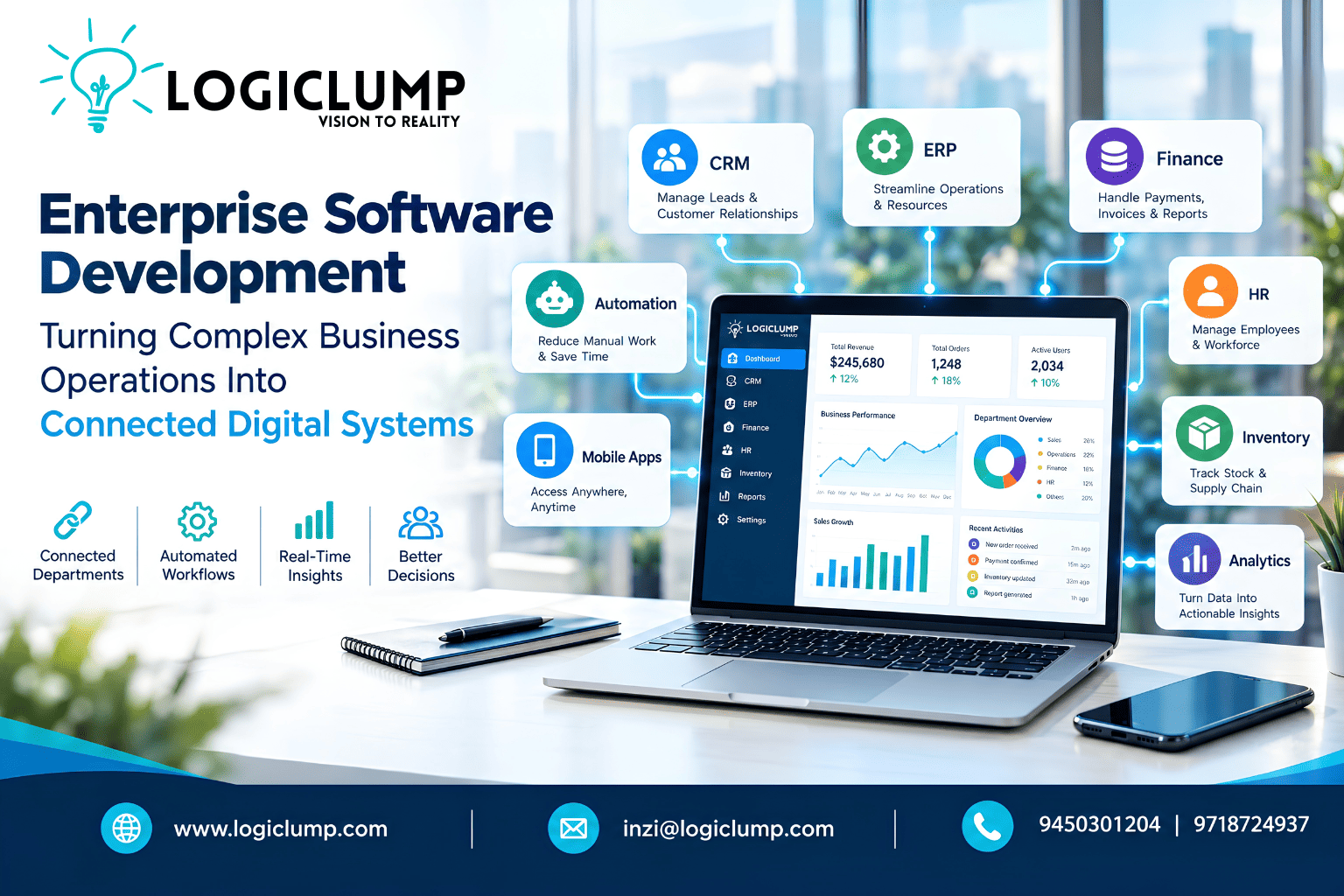
Enterprise Software Development
Running a growing business often means managing dozens of processes at the same time.
Sales teams handle leads. Finance manages payments and invoices. Operations tracks orders and resources. HR manages employees. Customer service handles requests. Management needs reports from all of them.
When every department works through separate tools, the organization can become digitally fragmented.
Information gets repeated. Teams depend on spreadsheets. Employees move data manually between systems. Approvals take longer. Management may have to wait for reports before understanding what is happening inside the business.
This is where enterprise software development can make a significant difference.
Enterprise software is not simply another application for employees to use. It can become the digital foundation that connects departments, processes, information, and decision-making into one coordinated environment.
What Makes Enterprise Software Different?
A standard business application may solve one specific problem.
Enterprise software usually addresses a much broader operational requirement.
It may need to support multiple departments, thousands of users, complex permissions, large datasets, integrations, automated processes, and changing business requirements.
A typical enterprise ecosystem could include:
CRM + ERP + Finance + Inventory + HR + Analytics + Automation + Mobile Applications
These components do not necessarily have to exist as one enormous application. They can also operate as interconnected modules that communicate through APIs and shared business logic.
The objective is simple:
Create a digital environment where the right information reaches the right person at the right time.
The Hidden Cost of Disconnected Software
Imagine a company receives a new customer order.
The sales employee records it in one application.
The operations team receives the information through email.
Finance enters the details into another system.
Inventory is updated separately.
The customer receives a manual confirmation.
Management later requests a report combining all of this information.
Nothing is technically "broken."
But the process contains unnecessary human intervention at almost every stage.
Now imagine the same process operating through connected enterprise software:
Customer Order → Validation → Inventory Check → Payment → Fulfillment → Customer Notification → Management Dashboard
Information can move through the workflow without employees repeatedly copying and pasting the same data.
This is one of the major advantages of enterprise software: connecting processes instead of simply digitizing individual tasks.
Start With the Business Process, Not the Technology
Enterprise software projects should not begin with a list of fashionable technologies.
They should begin with the business.
Before development starts, organizations need to understand:
- How departments currently operate
- Where information originates
- Where information is transferred
- Which activities require approval
- Which processes are repetitive
- Where delays occur
- Which systems are already being used
- What information management needs
- What the business expects to achieve in the future
Once the workflow is understood, technology can be selected accordingly.
For example, a company might discover that its biggest challenge is not the absence of a CRM but the lack of communication between its CRM, billing platform, inventory system, and customer portal.
In that situation, integration may create more value than replacing the CRM.
That is why enterprise development requires business analysis as well as technical expertise.
One Business, Multiple Digital Experiences
Enterprise software does not mean giving every employee access to the same dashboard.
Different roles require different information.
Management
Executives may need a high-level view of:
- Revenue
- Sales performance
- Operational KPIs
- Department activity
- Financial summaries
- Important alerts
Sales
Sales teams may require:
- Lead management
- Customer profiles
- Follow-up schedules
- Quotations
- Communication records
- Sales pipelines
Finance
Finance teams might work with:
- Invoices
- Payments
- Expenses
- Receivables
- Financial approvals
- Transaction reports
Operations
Operations teams may focus on:
- Orders
- Inventory
- Tasks
- Production
- Deliveries
- Resource allocation
A properly designed enterprise platform can give each role its own workspace while maintaining a common underlying information structure.
Automation Can Connect the Entire Workflow
Enterprise applications become particularly powerful when repetitive activities are converted into automated workflows.
Consider a purchase approval process.
Instead of employees manually checking emails, forwarding documents, updating spreadsheets, and notifying finance, the system can coordinate the sequence:
Request Created → Manager Approval → Finance Review → Purchase Approved → Vendor Processed → Status Updated
The same principle can be applied to:
- Employee onboarding
- Sales approvals
- Expense management
- Customer support
- Invoice processing
- Inventory replenishment
- Contract workflows
- Service requests
- Internal task management
Automation should not necessarily eliminate human involvement.
For sensitive decisions, the system can simply bring the right information to the appropriate person and request approval.
APIs: The Communication Layer of Enterprise Technology
Most modern organizations use more than one software platform.
They may rely on payment providers, accounting systems, communication services, logistics platforms, cloud services, CRMs, ERPs, and specialized industry applications.
APIs allow these systems to communicate.
For example:
Website → CRM → Payment Gateway → ERP → Inventory → Delivery Platform → Customer Notification
Without integration, employees may have to move information manually between these systems.
With appropriate API architecture, information can be exchanged automatically according to defined rules.
For enterprise organizations, this can make APIs one of the most important parts of the software architecture.
Enterprise Applications Need to Work Beyond the Office
Business operations increasingly happen outside traditional office environments.
Sales representatives meet customers.
Managers approve requests while travelling.
Field employees collect information from job sites.
Warehouse teams monitor inventory on the move.
This creates a need for enterprise applications that work across desktop, tablet, and mobile environments.
A mobile enterprise application could provide:
- Task updates
- Approval requests
- Customer information
- Order status
- Notifications
- Field data collection
- Reports
- Real-time operational information
However, mobile development should not simply shrink the desktop interface.
The experience should be designed around the actual needs and environment of mobile users.
Designing for Growth From the Beginning
Enterprise systems can evolve dramatically.
A company may begin with 50 users and later have thousands.
It may expand into new cities, introduce new services, acquire another business, or integrate additional platforms.
Software architecture therefore needs room for change.
Scalable enterprise development can involve careful decisions around:
- Database architecture
- Application design
- Cloud infrastructure
- API architecture
- Storage
- Performance
- Load management
- Monitoring
- Security
- Modular development
The objective is not to predict every future requirement.
It is to create a foundation that can adapt when those requirements arrive.
Security Cannot Be an Afterthought
Enterprise applications frequently handle sensitive information.
That could include customer records, financial transactions, employee data, business documents, internal reports, and proprietary processes.
Security therefore needs to be considered during architecture and development—not added as a final layer.
Depending on the application, enterprise software may require:
- Secure authentication
- Role-based permissions
- Encryption
- API protection
- Access logging
- Backup systems
- Monitoring
- Session management
- Data protection
- Secure development practices
Different users and systems should receive only the access they actually require.
This creates a more controlled digital environment as the organization grows.
Enterprise Software Doesn't Always Mean Building Everything From Scratch
Custom development does not automatically mean replacing every existing tool.
In many cases, the best solution combines existing platforms with custom software.
For example:
Existing CRM + Custom Business Portal + ERP Integration + Mobile Application + Central Dashboard
This approach can allow organizations to preserve valuable systems while developing the missing capabilities around them.
Custom software becomes especially useful when a company has:
- Specialized workflows
- Unique business rules
- Complex approval structures
- Industry-specific requirements
- Legacy systems
- Multiple integrations
- Customized reporting needs
The right strategy depends on the organization's objectives, existing technology, budget, and future plans.
Where AI Can Strengthen Enterprise Software
Artificial intelligence can add another layer of intelligence to enterprise applications.
Instead of simply storing information, software can potentially help users understand and work with that information more effectively.
Examples include:
Intelligent document processing
Extract useful information from invoices, forms, applications, and business documents.
AI-assisted customer service
Help support teams understand customer requests and prepare relevant responses.
Business information search
Allow employees to find useful information across approved internal data sources.
Report summarization
Turn large amounts of business information into easier-to-read summaries.
Anomaly identification
Highlight unusual patterns that may deserve investigation.
Workflow assistance
Recommend possible next steps based on available business information.
The purpose should not be to add AI simply because it is popular.
AI should be introduced where it solves a meaningful business problem.
Building Enterprise Software in Stages
Large organizations do not have to launch an enormous platform all at once.
A phased strategy can reduce complexity.
Stage 1: Understand
Study business processes, users, data, systems, and pain points.
Stage 2: Plan
Define the architecture, modules, integrations, security requirements, and technology stack.
Stage 3: Build the Foundation
Develop the core functionality required for the most important workflows.
Stage 4: Connect
Integrate APIs, existing business applications, payment systems, communication platforms, and other required services.
Stage 5: Expand
Introduce additional dashboards, mobile functionality, automation, analytics, and AI capabilities where appropriate.
Stage 6: Improve
Monitor usage and performance, collect employee feedback, strengthen security, and continuously enhance the platform.
This allows enterprise software to evolve alongside the organization instead of becoming an oversized project before delivering practical value.
How to Know Whether Your Business Needs Enterprise Software
Enterprise software may be worth considering when an organization experiences several of these challenges:
- Multiple departments use disconnected applications.
- Employees repeatedly enter the same information.
- Management struggles to obtain real-time business visibility.
- Approvals depend heavily on email or spreadsheets.
- Existing software cannot support specialized workflows.
- Different systems contain conflicting customer or business information.
- Reporting requires significant manual work.
- The organization expects rapid growth.
- Mobile access is becoming increasingly important.
- Existing applications need to communicate with each other.
The answer is not always "build a completely new platform."
Sometimes the right solution is integration.
Sometimes it is modernization.
Sometimes it is a new application for one department.
The important part is identifying the actual bottleneck before selecting the technology.
Why LogiClump for Enterprise Software Development?
LogiClump Technologies helps businesses transform complex requirements into connected digital solutions.
Our enterprise software development capabilities can include:
- Custom enterprise applications
- CRM and ERP systems
- Business management platforms
- Web applications
- Mobile applications
- Admin and user dashboards
- API development and integration
- Workflow automation
- AI-powered applications
- Cloud-based platforms
- Analytics and reporting systems
- E-commerce and marketplace solutions
- Payment gateway integration
The focus is on developing software around the organization's workflows, users, integrations, and long-term objectives.
Whether the requirement is to modernize an existing system, connect multiple business applications, automate a complex process, or build an entirely new enterprise platform, the development strategy should begin with the business problem.
Technology is the tool. The business outcome is the goal.
The Enterprise Software Advantage
Enterprise software is ultimately about more than applications.
It is about creating a connected digital infrastructure where departments can collaborate, information can move efficiently, processes can become more organized, and decision-makers can gain better visibility into the business.
The most valuable enterprise platforms will not necessarily be the ones with the most features.
They will be the ones that make complex business operations simpler, more connected, and easier to manage.
Build Your Enterprise Software With LogiClump
If your business has outgrown disconnected tools, spreadsheets, and manual workflows, it may be time to rethink your software architecture.
LogiClump Technologies develops custom enterprise software designed around real business requirements, integrations, workflows, and future growth.
🌐 Website: www.logiclump.com
📧 Email: inzi@logiclump.com
📞 Contact: 9450301204 | 9718724937
LogiClump Technologies — Turn Your Business Idea Into Digital Reality.
Discover how enterprise software development connects business operations, automates workflows, integrates systems, and helps organizations build scalable digital infrastructure with LogiClump.
Tom Cruise